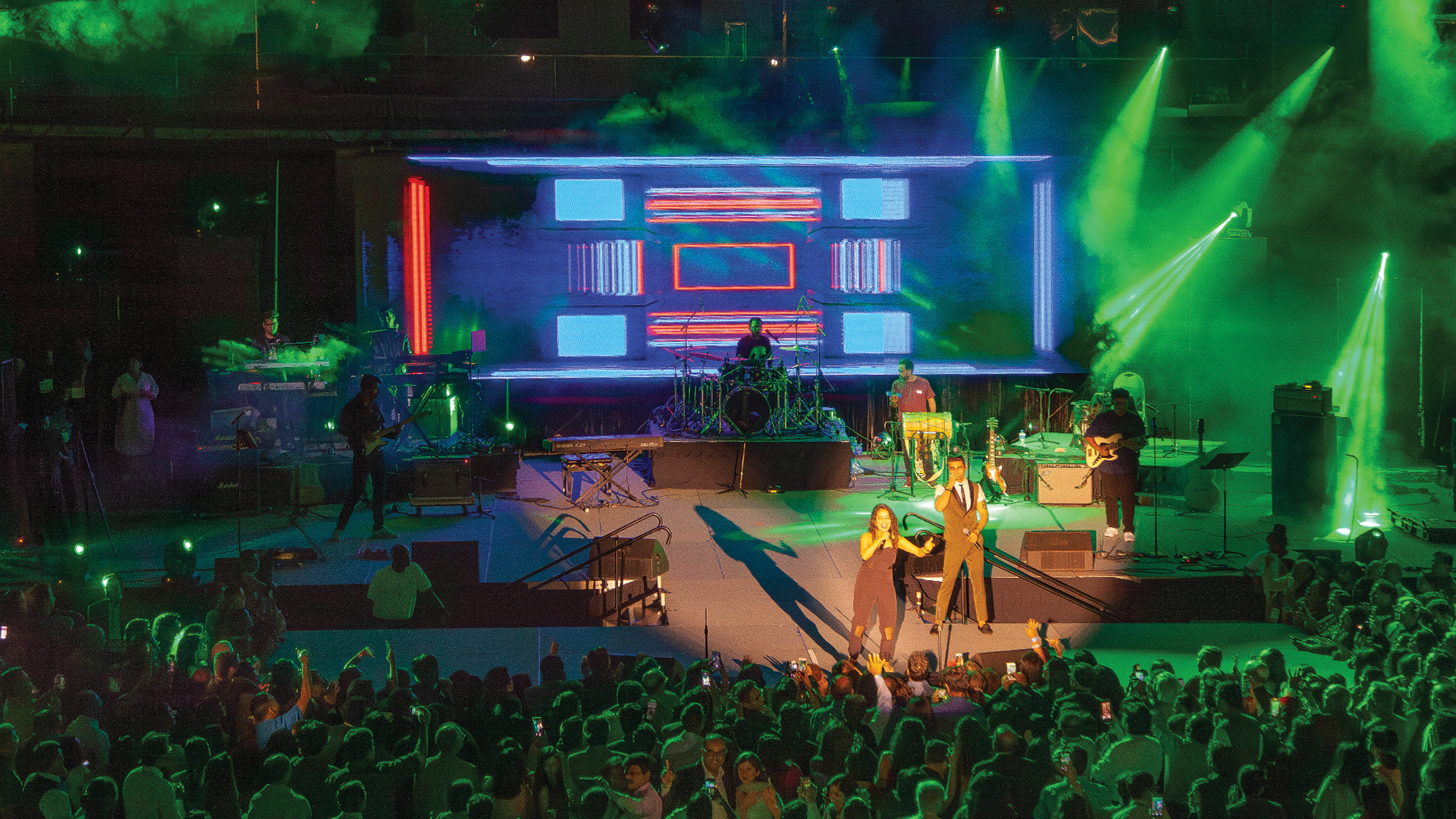
The LED wall looks stunning in person—smooth gradients, vibrant colors, crisp text readable from every seat in the house. Then you check the camera feed and witness a horror show: diagonal lines crawling across the image, color bands where smooth transitions should exist, and that unmistakable pixel grid transforming professional content into something resembling a 1990s video game. Moiré patterns and scan line artifacts plague LED-to-camera workflows, turning what seemed like straightforward capture into technical warfare that humbles experienced camera operators.
This conflict has roots in fundamental physics that no amount of wishful thinking eliminates. LED walls display images through discrete pixel grids; cameras capture images through sensor grids that don’t align with LED pixel patterns. When these grids interact, interference patterns emerge—mathematical inevitabilities that require systematic technical approaches rather than trial-and-error adjustments made in panic during rehearsals.
Understanding Moiré: The Physics of Interference
Moiré patterns occur whenever two regular patterns overlay at angles or slight differences in spacing. The classic demonstration involves placing two window screens together—rotation by a few degrees creates swirling patterns that exist nowhere in either screen individually but emerge from their interaction. Camera sensors and LED walls create identical interactions, with the camera’s grid pattern (sensor photosites) interfering with the LED’s grid pattern (discrete pixel elements).
Higher-resolution cameras don’t automatically solve the problem—they can actually make it worse. A 4K sensor has more photosites creating interference opportunities with LED pixels than a 1080p sensor. The mathematical relationship between camera resolution, LED pixel pitch, and shooting distance determines whether moiré appears, making calculation as important as camera quality in avoiding artifacts.
Refresh Rate and Scan Line Visibility
Beyond moiré, scan line artifacts create separate capture challenges. LED walls refresh by updating pixel rows sequentially—the top row illuminates, then the second row, progressively down the panel. If camera shutter timing doesn’t align with this refresh cycle, dark bands appear where the camera captures mid-refresh states. The relationship between LED refresh rate (typically measured in Hertz) and camera shutter speed determines band visibility.
Professional LED walls like the ROE Visual Black Marble BM4 and Leyard VX Series boast refresh rates exceeding 3840Hz specifically for camera capture applications. At these refresh rates, multiple complete refresh cycles occur during typical shutter open periods, effectively eliminating dark band visibility. Budget LED products with 960Hz or lower refresh rates visibly band on camera regardless of other optimizations.
Shutter Angle and Speed Optimization
The single most effective intervention involves matching camera shutter speed to LED refresh timing. Most LED walls driven by professional processors like the Brompton Tessera SX40 operate at 60Hz content frame rate. Setting camera shutter to 1/60th second (or 180-degree shutter angle at 24fps) allows complete refresh cycles during each exposure, eliminating partial-refresh artifacts that cause banding.
However, 1/60th shutter speed may introduce motion blur unacceptable for fast-moving content. The workaround involves selecting shutter speeds that are exact multiples or divisors of the refresh rate. A 1/120th second shutter captures exactly half of each refresh cycle consistently, avoiding the partial-cycle captures that create bands. Genlock synchronization between camera and LED processor provides the ultimate solution—cameras and walls literally share the same clock signal, guaranteeing perfect timing alignment that eliminates scan artifacts entirely.
Pixel Pitch Selection for Camera Capture
LED wall pixel pitch—the distance between adjacent pixels, measured in millimeters—determines minimum viewing distance before individual pixels become visible. For live audiences, 2.9mm pitch walls look solid from 10 feet or more. But cameras concentrate images onto small sensors, effectively bringing the wall much closer. A 2.9mm pitch wall shot from 15 feet might resolve perfectly on a live stage but show obvious pixel structure through telephoto lenses achieving similar framing from 50 feet.
Professional virtual production studios shooting LED walls for film and television specify pitches between 1.5mm and 2.0mm precisely because camera capture demands finer resolution than live viewing. The Sony Crystal LED B-series at 1.2mm pitch and Samsung The Wall for Virtual Production at 0.84mm pitch represent current state-of-the-art for camera-facing applications—expensive products justified by the pixel-hiding they achieve.
Camera Distance and Lens Selection
When pixel pitch is fixed by budget or existing inventory, shooting distance becomes the primary variable for managing moiré. Greater distance means LED pixels occupy fewer camera photosites, reducing interference pattern intensity. The general rule: maintain minimum viewing distance equal to pixel pitch multiplied by 500-600. For 2.9mm pitch, that suggests minimum camera distances around 15-17 feet for clean capture—distances that may conflict with desired framing.
Lens selection compounds these calculations. Wide-angle lenses effectively bring walls closer (more LED pixels per sensor area); telephoto lenses push walls further (fewer LED pixels per sensor area) even at identical physical distances. Counterintuitively, telephoto shots from greater distances often capture LED walls more cleanly than wide shots from close positions. Camera operators should test both approaches during technical rehearsals, comparing results on calibrated monitors rather than trusting viewfinder impressions.
Optical Low-Pass Filters
Some cinema cameras include optical low-pass filters (OLPF) that slightly blur images before they reach sensors—intentional softening that reduces moiré at the cost of absolute sharpness. The RED V-RAPTOR and ARRI Alexa 35 offer interchangeable OLPF options allowing cinematographers to select appropriate filtering strength for specific capture situations. Heavier filtration eliminates moiré but softens overall image; lighter filtration preserves sharpness but may allow interference patterns through.
For cameras without interchangeable OLPFs, external diffusion filters achieve similar effects. A light Tiffen Pro-Mist 1/8 or Schneider Classic Soft 1 softens the image just enough to break up moiré patterns while retaining broadcast-acceptable sharpness. The tradeoff always involves subjective judgment—how much softening is acceptable for this particular application?
LED Processor Settings for Camera Optimization
Professional LED processors include settings specifically addressing camera capture. The Brompton Tessera processors feature ‘Extended Bit Depth’ modes that increase color gradation resolution, reducing banding in gradient content that cameras particularly struggle to capture cleanly. Additionally, ‘Low Brightness’ processing modes optimize performance at dimmer levels where camera gain might otherwise amplify noise and artifacts.
Frame rate multiplication capabilities in high-end processors effectively increase refresh rate by displaying each frame multiple times. The NovaStar MCTRL 4K processor supports refresh rates exceeding 7680Hz in compatible panels—frequencies that eliminate scan line visibility across virtually any camera shutter configuration. Engaging these features requires coordination with LED wall vendors who understand both hardware capabilities and content source limitations.
Content Design for Camera Capture
Certain content types exacerbate capture problems while others minimize them. Fine patterns—thin lines, small text, detailed textures—maximize moiré potential by creating high-frequency detail that interferes with camera sensor patterns. Motion graphics designers working for camera-captured LED walls should avoid single-pixel lines, minimize fine gradients, and favor bold graphics with substantial stroke weights.
The historical lesson comes from early television, where ‘safe graphics’ guidelines prohibited patterns that interfered with interlaced scanning. Modern LED-to-camera workflows benefit from similar thinking: design content knowing it will be photographed through grid-patterned sensors, avoiding elements that create interference opportunities. Testing content on actual LED walls viewed through actual cameras—not just desktop monitors—reveals problems that simulations never predict.
Real-Time Monitoring During Capture
Production workflows must include dedicated monitoring showing exactly what cameras capture from LED walls. Viewing program output on LED monitors creates visual confusion—you’re watching LED through LED, which hides problems that will appear on final deliverables viewed on LCD screens or projected displays. Always include at least one LCD reference monitor in the monitoring chain displaying direct camera output before any downstream processing.
The Sony PVM-X2400 OLED monitor and Flanders Scientific XM311K provide the color accuracy and resolution needed to identify subtle moiré and banding before they contaminate recorded footage. Inexpensive monitors may hide artifacts their displays can’t resolve—a false comfort that explodes during post-production when problems become obvious on better displays.
Post-Production Correction Options
When capture problems slip through despite best efforts, post-production tools offer partial remediation. DaVinci Resolve includes spatial noise reduction that can soften moiré patterns when applied conservatively—aggressive application destroys image detail along with artifacts. The Neat Video plugin provides more sophisticated pattern-aware processing that targets moiré specifically while preserving underlying image sharpness.
Post-production correction always involves compromise—time, cost, quality degradation—that proper capture technique avoids. The industry saying applies: ‘Fix it in post’ really means ‘We failed in production.’ Budget the rehearsal time and equipment investment to capture LED walls correctly, and post-production becomes enhancement rather than rescue.
Clean LED wall capture represents technical mastery that separates professional productions from amateur attempts. The camera operators who consistently deliver artifact-free footage have invested time understanding the physics of interference patterns, selecting appropriate equipment for specific situations, and coordinating with LED technicians to optimize both wall and camera settings. There’s no single solution that works universally—but there are systematic approaches that produce reliable results when applied with understanding and patience.
