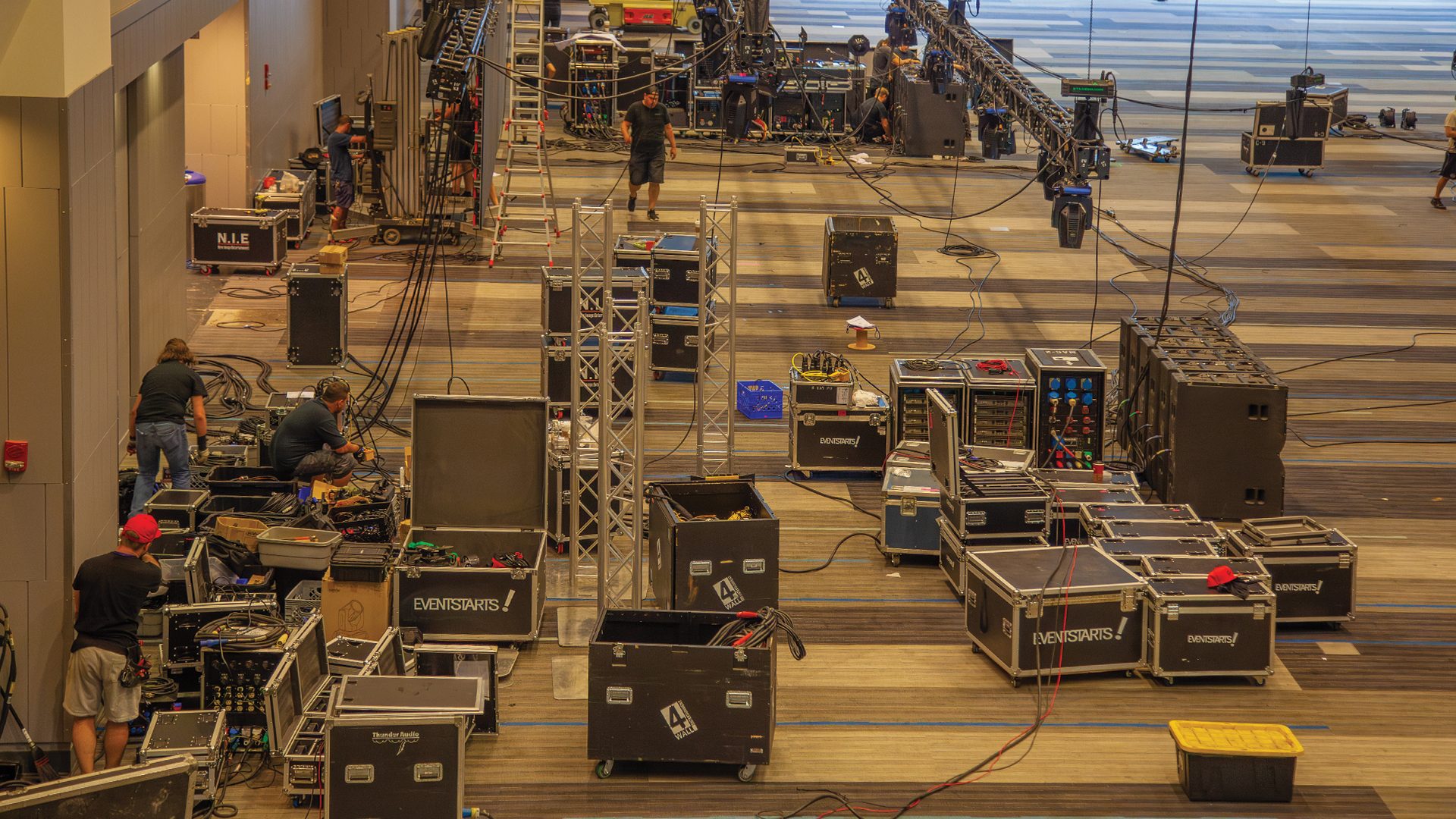
The LED processor fans ramped up during the keynote, creating an audible whine that the front-row lavalier microphones captured prominently. The broadcast team spent the rest of the session trying to EQ out frequencies that shouldn’t have been there in the first place. AV cooling system noise represents an often-overlooked problem that can compromise audio quality in otherwise professional productions. Understanding noise sources and reduction strategies enables quieter technical environments.
Identifying Noise Sources
Equipment cooling fans represent the most common noise source in AV installations. LED processors, media servers, amplifiers, and power supplies all generate heat requiring active cooling. Higher-powered equipment generates more heat, requiring more aggressive cooling that typically means louder fans. Projectors can be particularly problematic high-brightness models may exceed 50dB, audible throughout smaller venues. Even equipment that seems quiet individually becomes noticeable when multiple units combine in enclosed technical spaces.
HVAC systems in technical spaces often contribute noise that productions overlook because it’s constant. Air handlers, duct noise, and diffuser turbulence create broadband noise that masks detail and reduces perceived audio quality. Productions in recording studio environments benefit from purpose-built silent HVAC; events in convention centers must work within whatever noise the venue’s systems produce.
Physical Noise Reduction Strategies
Equipment isolation—placing noisy equipment away from microphones and audiences—provides the most effective noise reduction. Technical racks positioned in separate rooms, behind sound-isolating barriers, or in remote technical positions eliminate noise at its source. Fiber optic signal extension enables locating processors and servers hundreds of feet from stages without signal degradation. This physical separation represents standard practice for broadcast and recording applications where noise tolerance is minimal.
Acoustic enclosures contain equipment noise when isolation isn’t possible. Middle Atlantic and Penn Elcom manufacture rack accessories including acoustic blankets and baffles that reduce noise transmission. Custom-built enclosures using acoustic foam from Auralex or similar materials can achieve significant attenuation when designed properly. Critical consideration: enclosures must maintain adequate ventilation—equipment overheating creates bigger problems than equipment noise.
Equipment Selection and Configuration
Low-noise equipment selection addresses noise at the source. Some manufacturers specifically design for quiet operation—the Brompton SX40 processor, for example, runs passively cooled and silent. Laser projectors typically run quieter than lamp equivalents. Specification sheets include noise ratings (in dB); comparing options during specification enables informed selections that prevent problems later.
Fan speed management on some equipment allows reducing cooling aggressiveness when maximum performance isn’t required. Running LED walls at 50% brightness generates less heat than 100%, potentially enabling quieter cooling modes. BIOS settings on media servers may allow fan curve adjustments. These optimizations involve tradeoffs—reduced cooling capacity means monitoring temperatures to ensure equipment remains within safe ranges.
Reducing AV cooling noise requires systematic attention that begins during system design and continues through equipment selection, installation, and operation. Productions that consider noise implications throughout this process achieve technical environments that support rather than compromise audio quality. The investment in noise reduction—whether through isolation, enclosure, or equipment selection—pays dividends in cleaner audio that distinguishes professional productions from amateur attempts plagued by avoidable technical noise.
